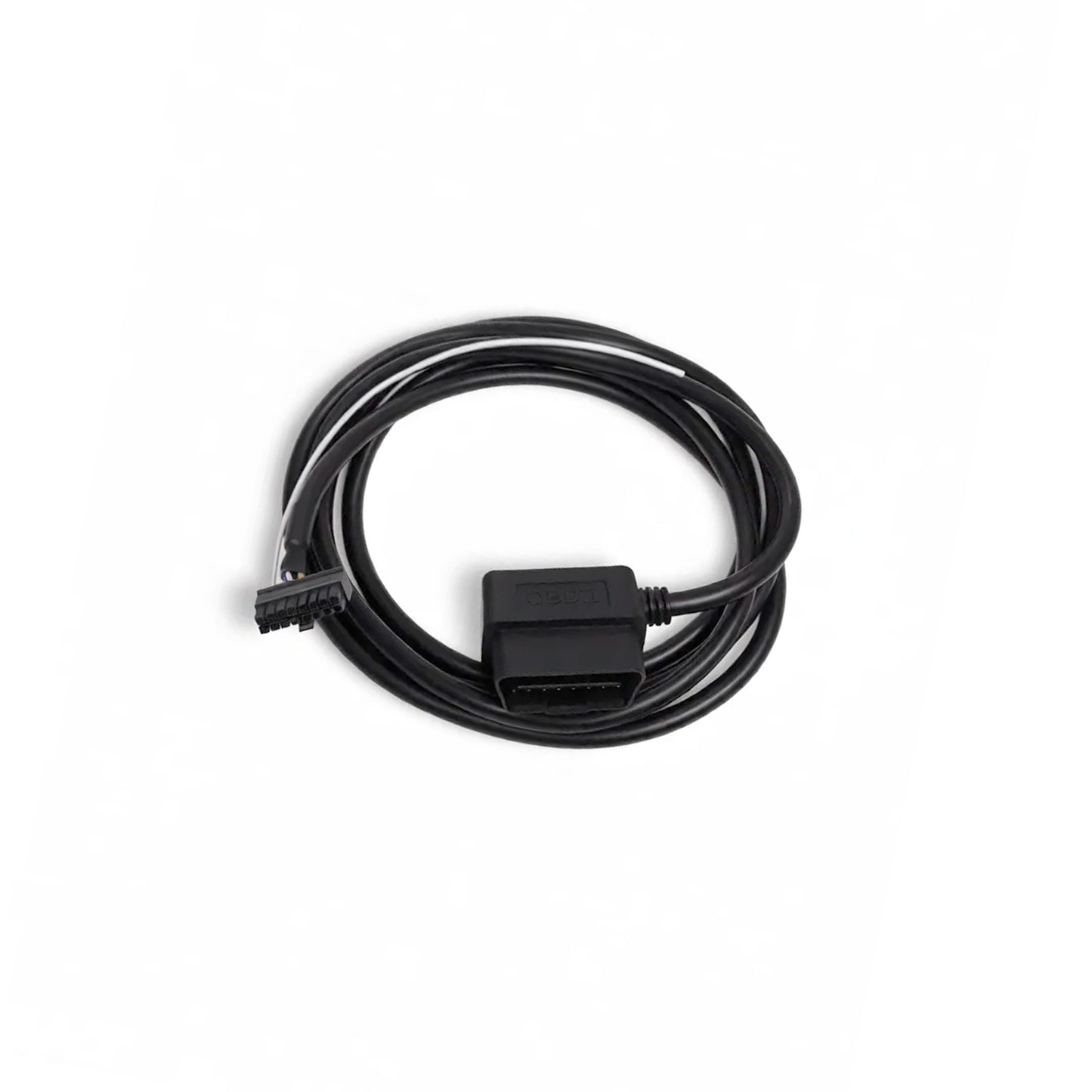
REVVGAUGE OBD2 Cable (Single)
REVVGAUGE OBD2 Cable (Single)
Couldn't load pickup availability
Plug-and-play OBD-II connection for your REVVGAUGE. The Single OBD2 Cable links one gauge harness to your vehicle’s OBD-II port for native OBD2 CAN data — no manual CAN wiring to the diagnostic port.
PLEASE READ BELOW
- We support OBD-II vehicles that use the ISO 15765-4 (CAN) protocol. Most vehicles from 2008 onwards should be fine, but always check first.
AI is your friend for this:
"Does my car support the ISO 15765-4 (CAN) OBD-II protocol? My vehicle is a [YEAR] [MAKE] [MODEL] with a [ENGINE]."
Older OBD-II protocols (ISO 9141-2, ISO 14230 / KWP2000, SAE J1850) are NOT supported
Pre-orders are now open for the next production batch.
Next batch est shipping: 25 September 2026.
📦 What’s included
- 1× OBD2 cable (single) — vehicle OBD-II port to one REVVGAUGE Molex connection
- 2 m cable length
- Pre-wired CAN — CAN Hi and CAN Lo routed to standard OBD-II pins (pin 6 CAN H, pin 14 CAN L)
- Lighting input wired — headlamp / dimmer sense (pin 16) included on the gauge Molex connection
Does not include a REVVGAUGE unit or wiring harness.
⚡ Why use this cable
- Native OBD2 — pull engine and vehicle data supported by REVVGAUGE’s built-in OBD2 protocol
- Simple install — plug into the OBD-II port and connect to your gauge harness
- No DLC wiring — skip stripping and terminating CAN wires at the diagnostic connector
- Auto light/dark mode — lighting input pre-wired so your gauge can switch between light and dark mode designs with your headlamp circuit
- Works with your standard loom — populate any remaining Molex positions with the pre-crimped wires from your gauge’s wiring kit (analog inputs, outputs, and more)
📋 Technical specifications
| Version | Single — 1 gauge connection |
|---|---|
| Vehicle connector | OBD-II / SAE J1962 (16-pin DLC) |
| CAN routing | CAN H → DLC pin 6 · CAN L → DLC pin 14 |
| Cable length | 2 m |
| Gauge connector | 1× Molex Micro-Fit (gauge end) |
| Lighting input | Pre-wired to gauge Molex (pin 16 — headlamp / dimmer sense) |
| Gauge connections | 1× REVVGAUGE harness connection |
| Compatibility | REVVGAUGE Gauge Unit V1.0 |
🔧 Installation
Plug the vehicle end into your OBD-II diagnostic port. Connect the gauge end to your REVVGAUGE Molex connector — CAN and lighting input are both carried on the cable.
The OBD2 cable only populates the pins it needs. Insert any other pre-crimped wires from your standard loom (included with your gauge) into the remaining Molex positions for analog sensors, outputs, or anything else your install requires.
Enable the onboard 120 Ω CAN termination in the REVVGAUGE app only when your gauge is installed at an end of the CAN bus segment that requires termination.
Running two gauges via OBD2? Use the Double OBD2 Cable instead — only 2 gauges are officially supported per vehicle on OBD2.